The month
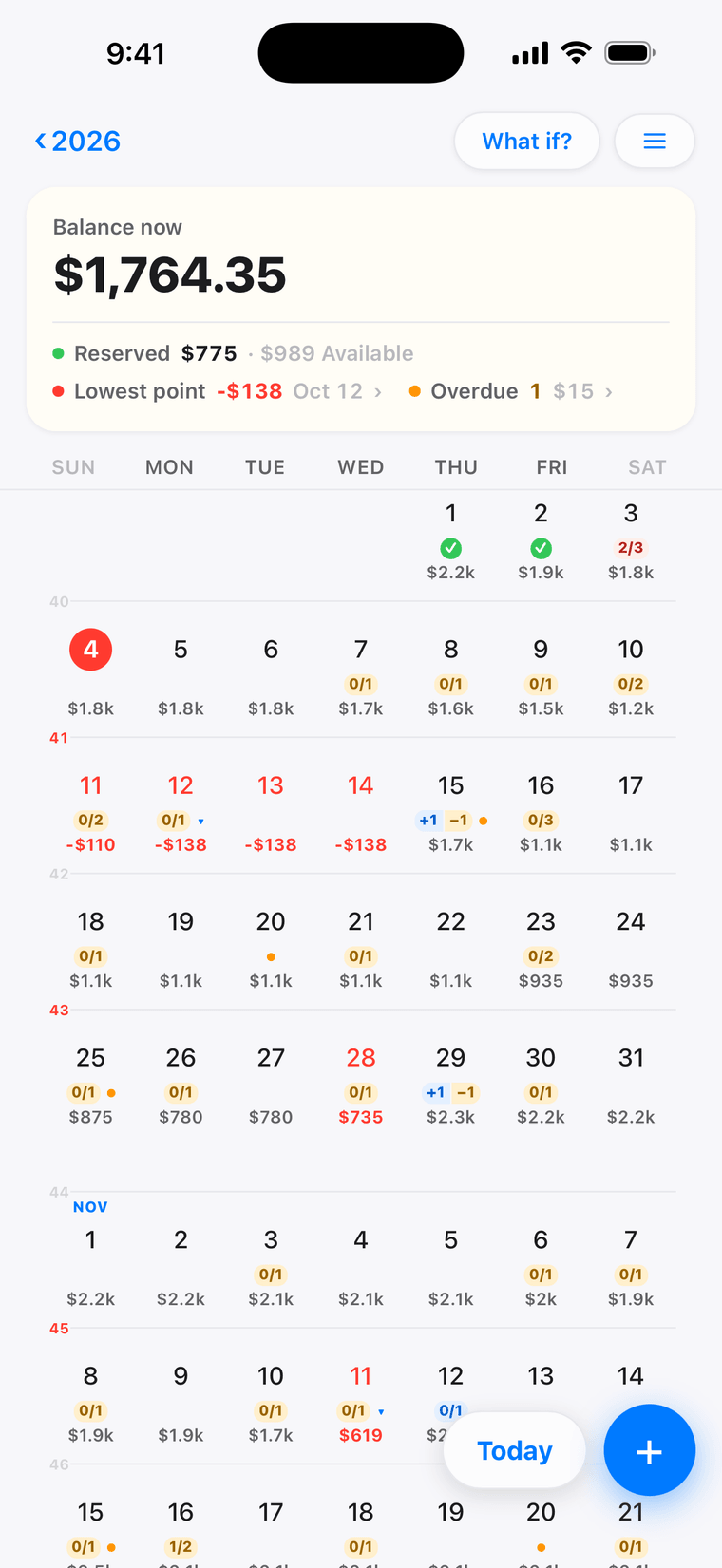
Every day already has a balance.
Paychecks, bills and plans on their dates — and the day the money gets tight, in red, weeks ahead.
Money calendar
Your money already has dates. Now it has a calendar.
Free to use · Cross-device sync is a subscription
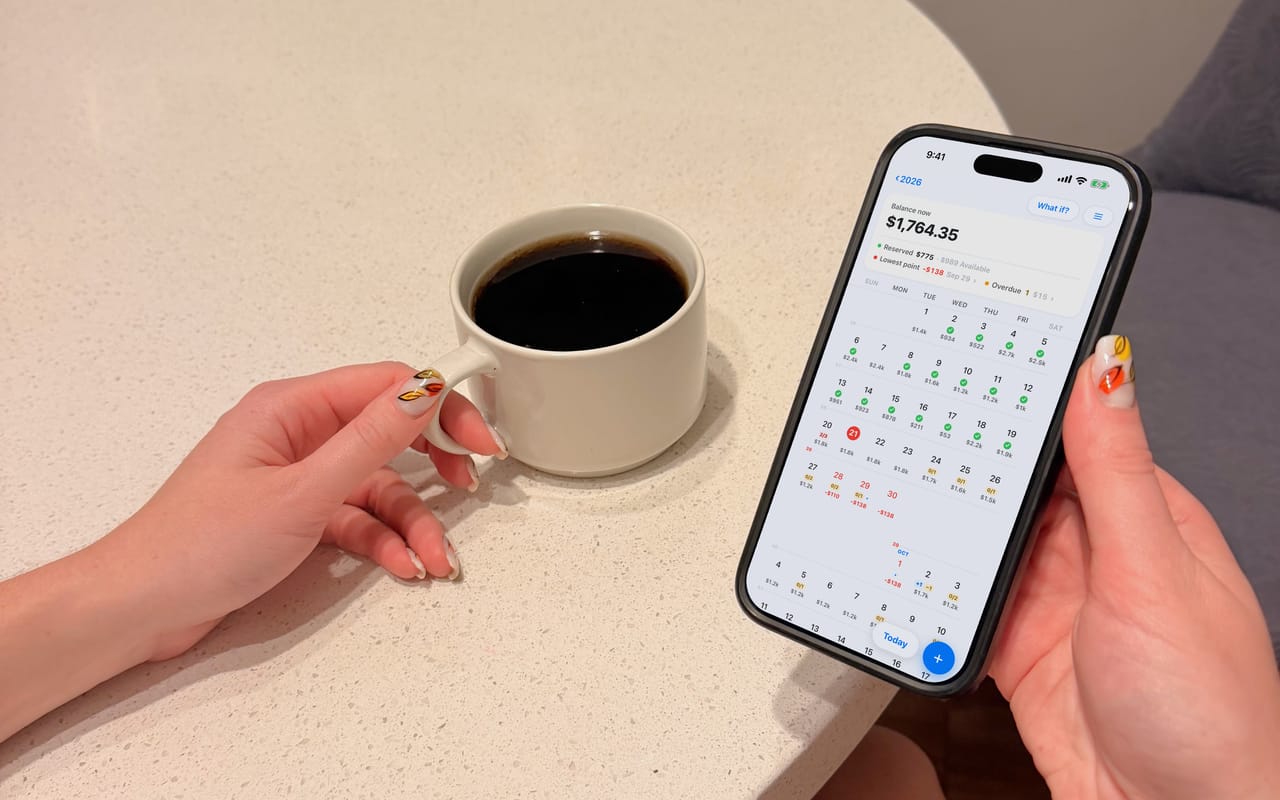
JayCK Flow is a money calendar. Put your income, bills and plans on a timeline — and know your future balance before you decide.
The month
Paychecks, bills and plans on their dates — and the day the money gets tight, in red, weeks ahead.
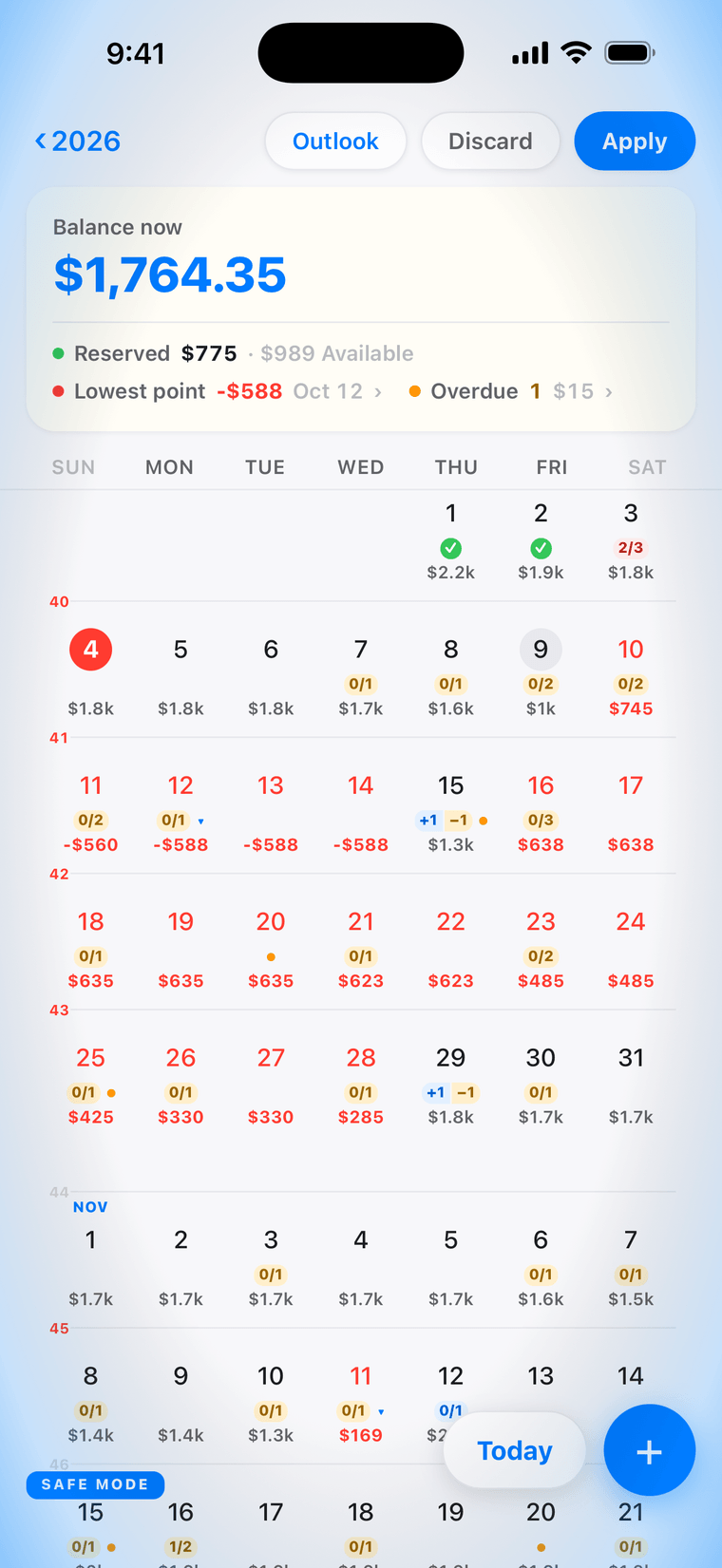
What if?
Add it. Every day after re-colours. Keep it or let it go — nothing is saved until you say so.
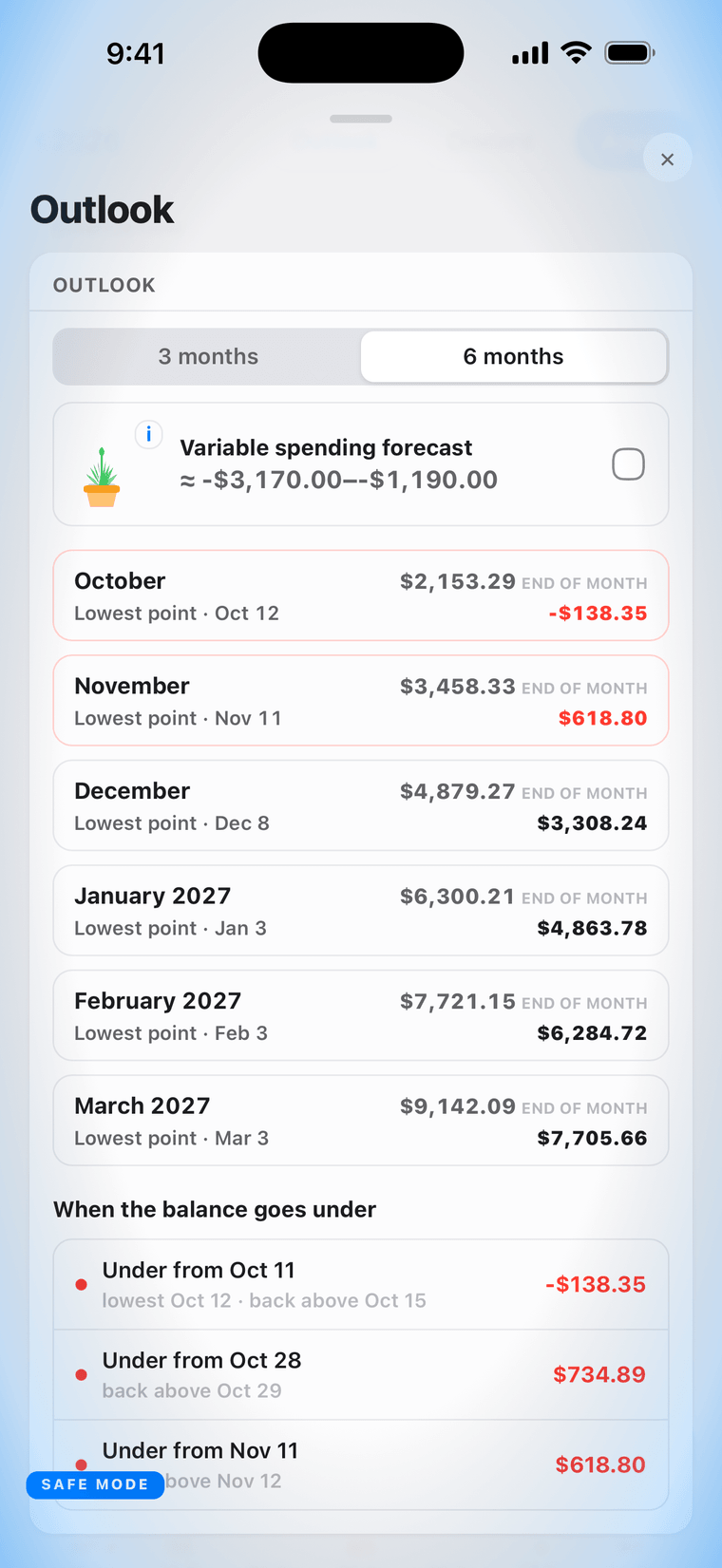
The horizon
Six months ahead, each month's low point named — while it is still a decision, not a surprise.
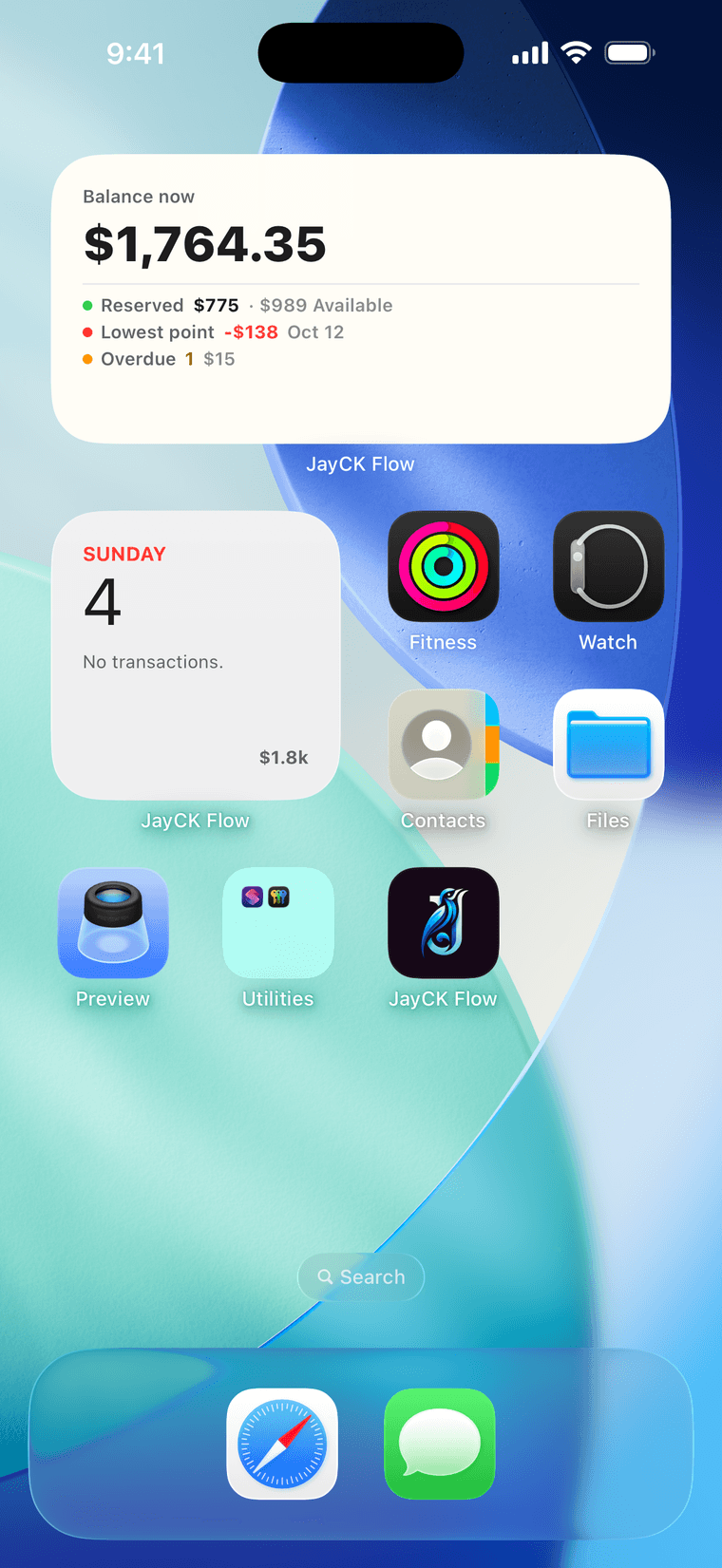
Home Screen
Today's plan, your balance and the weeks around today — without opening the app.
Yours
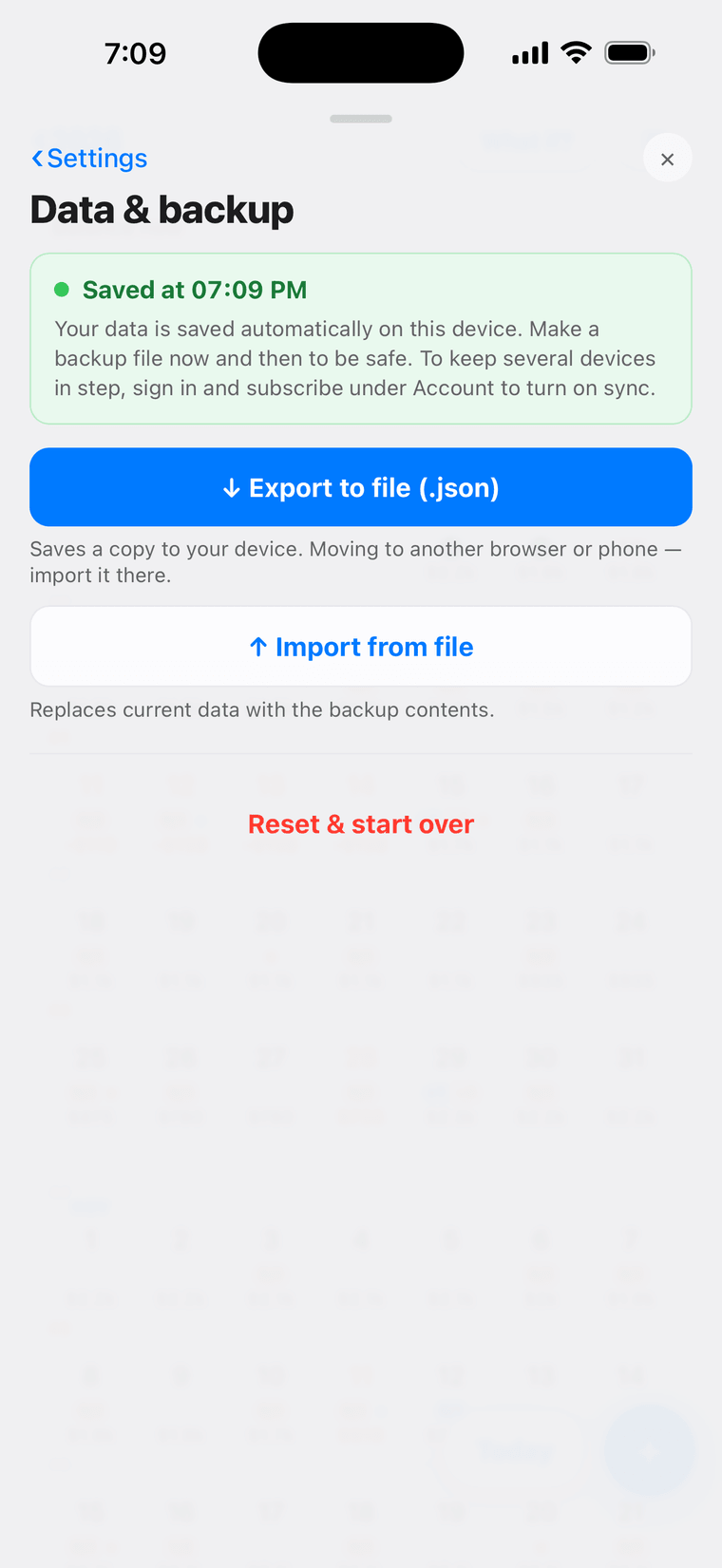
Local by default. Sync, when you turn it on, is end-to-end encrypted with a passphrase we cannot read.
DownloadFree
Budget trackers ask
“Where did my
money go?”
JayCK Flow answers
“What will my money
look like tomorrow?”

How it works
Paychecks, rent, subscriptions and one-off plans — each on the day it actually happens. Every day after carries the running total forward, so the number on any square is your projected balance for that day.
Running balance, carried forward
Lowest point
Weeks in advance — while it is still a decision, not a surprise.
Green— on track
Amber— something that day is still unticked
Red— the projected balance falls below zero, or below what you have set aside
Lowest point this month
−$10 on the 27th
Change
—
Every day after the 18th re-colours. Nothing is saved until you say so.
What can I actually spend?
Aggregators show you every account and still leave the real question open.
Credit cards
Aug 5
−$300
Card purchase. Your balance does not move.
Aug 28
−$300
Card payment. This is the day the money is gone.
A card purchase on the 5th that you pay off on the 28th lands on the 28th — because that's when the money actually goes.
Cards and savings are outflows, not ledgers.
Card payment — one line on the timeline
Savings transfer — one line on the timeline
Nothing to reconcile, nothing to keep in sync. One account, one timeline.
Income belongs on the timeline too
A bill you forget to tick
makes the forecast pessimistic —
you have more than it says.
A payment that never arrives
does the opposite — the forecast
promises money you don't have.
So income is watched the same way bills are. And anything paid by someone else stays in your history but out of the forecast — the number you see is the number you have.

A limit we chose
We chose this limit — and we intend to keep it.
Private by design
Manual control, always.
No bank connection. No account needed to start.
No ads, no tracking, no selling data.
Your data stays on your device — encrypted first if you sync.
Optional encrypted sync across devices — a paid subscription.